ad blue TESLA MODEL X 2016 User Guide
[x] Cancel search | Manufacturer: TESLA, Model Year: 2016, Model line: MODEL X, Model: TESLA MODEL X 2016Pages: 179, PDF Size: 4.3 MB
Page 118 of 179

The route overview icon is available
on the right side of the search bar
whenever a navigation route is
active. You can toggle between
North Up, Heading Up, and Route
Overview (see Using Maps on page
117). As you travel on your
navigation route, the zoom level
adjusts to display an overview of
the route and zooms in on your
destination as you make progress
on your trip.
The touchscreen also displays a turn-by-turn
direction list that includes estimated driving
time and arrival time.
During navigation, the instrument panel also
displays the turn-by-turn directions and you
will hear spoken instructions. To change the
language of spoken instructions, touch
Controls > Settings > Units & Format. To
change the volume of the spoken instructions
touch the volume button located on the turn- by-turn direction list displayed on the
touchscreen.
Favorite Destinations
Add any destination to your list of
Favorites by either touching its flagwhile navigating to it, or by
displaying it on the map then
touching its pin. Then, in the popup
dialog that appears, touch the
Favorites icon. When a destination is
on your Favorites list, the icon is
blue. To remove a favorite
destination, touch the Favorites icon
again.
If you frequently navigate to a destination, you
may want to add it as a Favorite to avoid
having to enter the location
Page 131 of 179

Charging StatusThe following illustration is provided for demonstration purposes only and may vary slightly
depending on the software version and market region of your Model X.
1. Charging rate per hour.
2. Total estimated driving distance (or energy) available. Instead of drivingdistance as shown here, you can display
the percentage of battery energy
remaining. To do so, touch Controls > Settings > Units & Format > Energy &
Charging.
Note: A portion of the battery image may
appear blue. This indicates that a small
portion of the energy stored in the battery
is not available on your drive because the
battery is cold. This is normal and no
reason for concern. When the battery warms up, the blue portion is no longer
displayed.
3. Current being supplied/Total current available from the connected power
supply (see Changing Charge Settings on
page 130).
4. Estimated increase in driving distance (or energy) achieved so far in this chargingsession. Instead of driving distance as
illustrated above, you can change settings
to display the amount of energy achieved.
To do so, touch Controls > Settings > Units
& Format > Energy & Charging.
5. Charging status information displays here. For example, if Model X is charging, it
displays the time remaining until fully
charged at the currently selected charge
level. When scheduled charging is set for a
location, it displays when charging will
start.
6. Voltage being supplied by the charge cable.
Note: If Model X is charging and detects
unexpected
Page 175 of 179
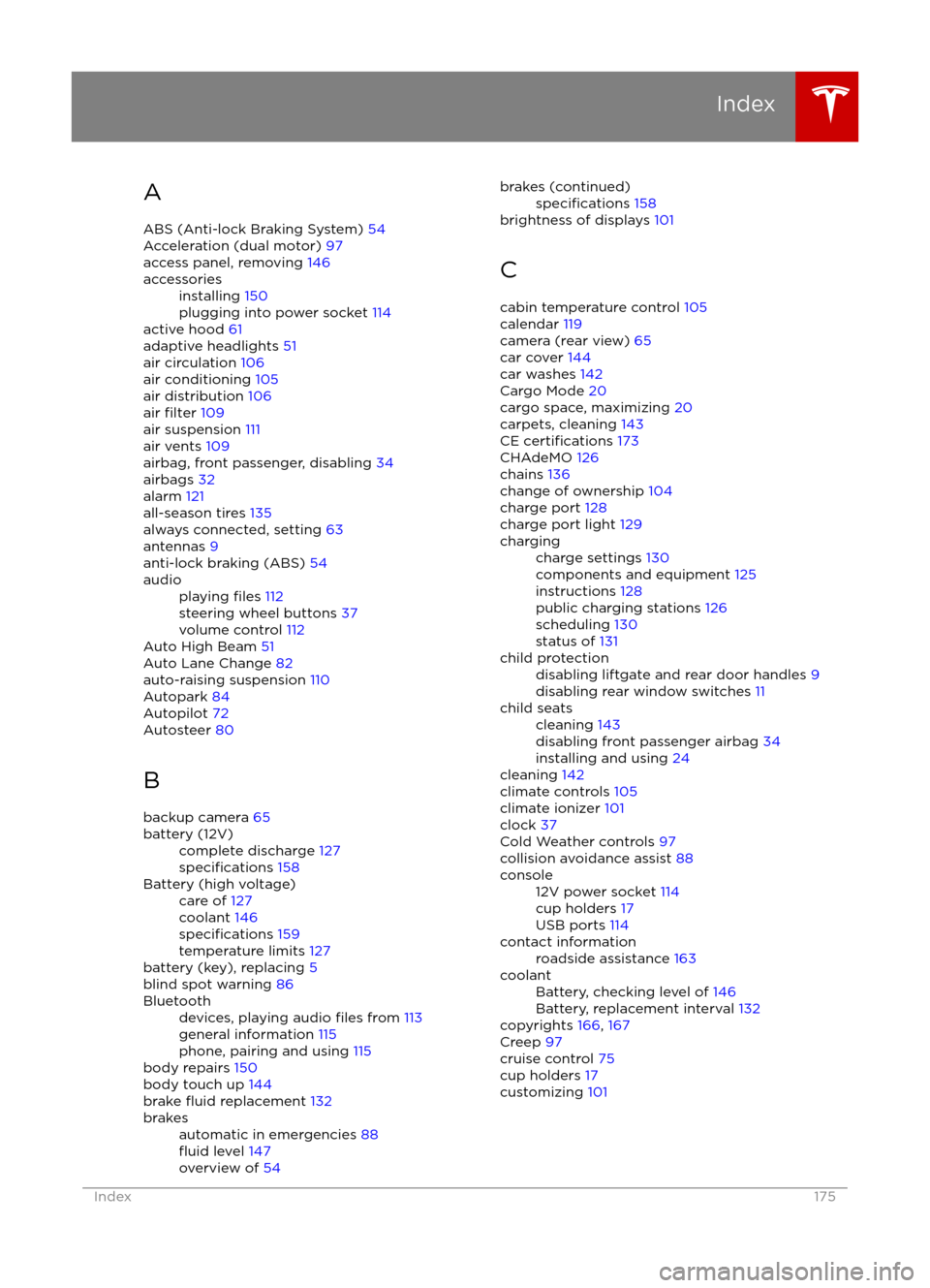
AABS (Anti-lock Braking System) 54
Acceleration (dual motor) 97
access panel, removing 146accessoriesinstalling 150
plugging into power socket 114
active hood 61
adaptive headlights 51
air circulation 106
air conditioning 105
air distribution 106
air
filter 109
air suspension 111
air vents 109
airbag, front passenger, disabling 34
airbags 32
alarm 121
all-season tires 135
always connected, setting 63
antennas 9
anti-lock braking (ABS) 54
audioplaying files 112
steering wheel buttons 37
volume control 112
Auto High Beam 51
Auto Lane Change 82
auto-raising suspension 110
Autopark 84
Autopilot 72
Autosteer 80
B
backup camera 65
battery (12V)complete discharge 127specifications 158Battery (high voltage)care of 127
coolant 146
specifications 159
temperature limits 127
battery (key), replacing 5
blind spot warning 86
Bluetoothdevices, playing audio files from 113
general information 115
phone, pairing and using 115
body repairs 150
body touch up 144
brake
fluid replacement 132
brakesautomatic in emergencies 88fluid level 147
overview of 54brakes (continued)specifications 158
brightness of displays 101
C cabin temperature control 105
calendar 119
camera (rear view) 65
car cover 144
car washes 142
Cargo Mode 20
cargo space, maximizing 20
carpets, cleaning 143
CE
certifications 173
CHAdeMO 126
chains 136
change of ownership 104
charge port 128
charge port light 129
chargingcharge settings 130
components and equipment 125
instructions 128
public charging stations 126
scheduling 130
status of 131child protectiondisabling liftgate and rear door handles 9
disabling rear window switches 11child seatscleaning 143
disabling front passenger airbag 34
installing and using 24
cleaning 142
climate controls 105
climate ionizer 101
clock 37
Cold Weather controls 97
collision avoidance assist 88
console12V power socket 114
cup holders 17
USB ports 114contact informationroadside assistance 163coolantBattery, checking level of 146
Battery, replacement interval 132
copyrights 166, 167
Creep 97
cruise control 75
cup holders 17
customizing 101
Index
Index175
Page 176 of 179
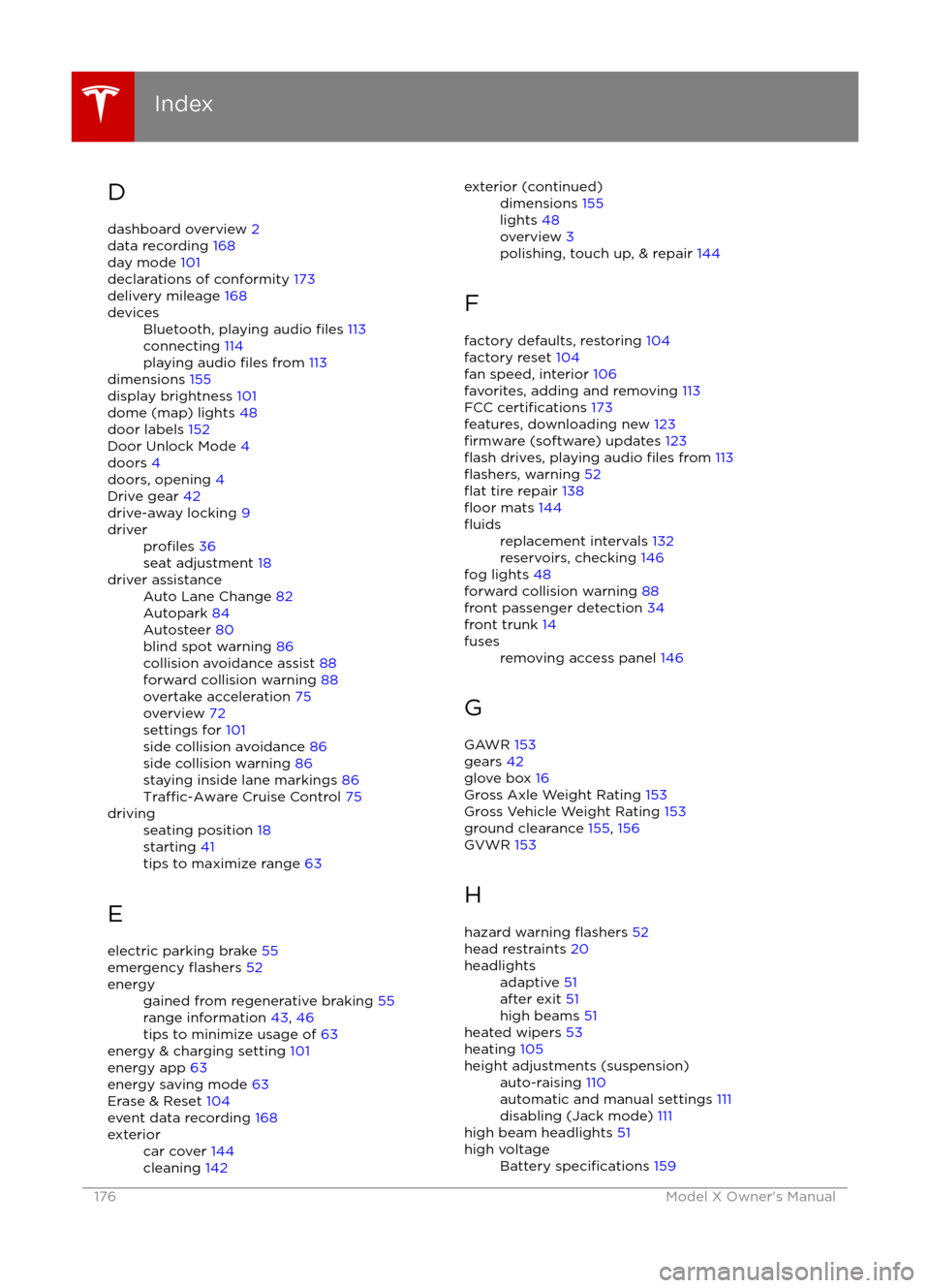
D
dashboard overview 2
data recording 168
day mode 101
declarations of conformity 173
delivery mileage 168devicesBluetooth, playing audio files 113
connecting 114
playing audio
files from 113
dimensions 155
display brightness 101
dome (map) lights 48
door labels 152
Door Unlock Mode 4
doors 4
doors, opening 4
Drive gear 42
drive-away locking 9
driverprofiles 36
seat adjustment 18driver assistanceAuto Lane Change 82
Autopark 84
Autosteer 80
blind spot warning 86
collision avoidance assist 88
forward collision warning 88
overtake acceleration 75
overview 72
settings for 101
side collision avoidance 86
side collision warning 86
staying inside lane markings 86
Traffic-Aware Cruise Control 75
drivingseating position 18
starting 41
tips to maximize range 63
E
electric parking brake 55
emergency
flashers 52
energygained from regenerative braking 55
range information 43, 46
tips to minimize usage of 63
energy & charging setting 101
energy app 63
energy saving mode 63
Erase & Reset 104
event data recording 168
exteriorcar cover 144
cleaning 142exterior (continued)dimensions 155
lights 48
overview 3
polishing, touch up, & repair 144
F
factory defaults, restoring 104
factory reset 104
fan speed, interior 106
favorites, adding and removing 113
FCC
certifications 173
features, downloading new 123
firmware (software) updates 123flash drives, playing audio files from 113flashers, warning 52flat tire repair 138floor mats 144
fluidsreplacement intervals 132
reservoirs, checking 146
fog lights 48
forward collision warning 88
front passenger detection 34
front trunk 14
fusesremoving access panel 146
G
GAWR 153
gears 42
glove box 16
Gross Axle Weight Rating 153
Gross Vehicle Weight Rating 153
ground clearance 155, 156
GVWR 153
H hazard warning
flashers 52
head restraints 20
headlightsadaptive 51
after exit 51
high beams 51
heated wipers 53
heating 105
height adjustments (suspension)auto-raising 110
automatic and manual settings 111
disabling (Jack mode) 111
high beam headlights 51
high voltageBattery specifications 159
Index
176Model X Owner